Sending payroll emails is a key touchpoint with your team, and getting them right matters. They're more than just a notification; they're a reflection of your brand. To make it simple, we're breaking down five types of payroll email templates you can use.
Having a go-to template means you can send clear and consistent communications without starting from scratch each time.
<template>
Subject: Reminder: Submit Your Timesheet for the [*Pay Period*] Payroll
Hi [*Employee Name*],
This is a friendly reminder to submit your timesheet for the upcoming pay period, from [*Start Date*] to [*End Date*]. To ensure you are paid on time, please submit all hours by [*Date and Time*].
Please double-check that all your hours, including any overtime or time off, are accurately recorded before submitting. You can complete and submit your timesheet through our payroll portal here: [*Link to Payroll Portal*].
If you have any questions, please don't hesitate to reach out.
Thanks,
[*Your Name*]
[*Your Position*]
[*Company Name*]
</template>
<template>
Subject: Your New Salary Information
Hi [*Employee Name*],
This email is to confirm an update to your salary. Following your recent [*Promotion, Performance Review, etc.*], we have adjusted your compensation to reflect your new role and responsibilities.
Effective [*Date*], your new annual salary will be [*New Salary Amount*]. You will see this change reflected in your paycheck beginning [*First Paycheck Date with New Salary*].
We appreciate your contributions to the team. If you have any questions, please feel free to reach out.
Best,
[*Your Name*]
[*Your Position*]
[*Company Name*]
</template>
<template>
Subject: Important: Your [*Tax Year*] Tax Documents Are Ready
Hi [*Employee Name*],
Your [*Tax Form, e.g., Form W-2*] for the [*Tax Year*] tax season is now available. We wanted to get this to you with plenty of time before the tax filing deadline on [*Tax Day Date*].
You can securely access and download your documents through our payroll portal here: [*Link to Payroll Portal*]. For your security, we do not send tax forms as email attachments.
Please take a moment to review your form to ensure all personal information is correct. If you find any discrepancies or have questions, please contact the payroll department by [*Date*] so we can make any necessary corrections.
Best,
[*Your Name*]
[*Your Position*]
[*Company Name*]
</template>
<template>
Subject: Your Pay Stub for [*Pay Period*] is Here
Hi [*Employee Name*],
Your pay stub for the [*Start Date*] to [*End Date*] pay period is now available. A payment of [*Net Pay Amount*] will be deposited into your account on [*Pay Date*].
You can view your full pay stub, which includes a detailed breakdown of your earnings, deductions, and taxes, by logging into our secure payroll portal: [*Link to Payroll Portal*].
If you have any questions about your pay stub, please let us know.
All the best,
[*Your Name*]
[*Your Position*]
[*Company Name*]
</template>
<template>
Subject: Set Up Your Direct Deposit for Faster Payments
Hi [*Employee Name*],
To get you paid quickly and securely, we use direct deposit for all payroll payments. Setting it up is simple and ensures your pay goes directly into your bank account on payday.
Please take a moment to add your bank details to our payroll system. You will need your bank account number and routing number to complete the setup. You can find these on a check or by contacting your bank.
Log into our secure portal to enter your information: [*Link to Payroll Portal*]. To ensure your next paycheck is deposited without delay, please complete this step by [*Date*].
If you have any questions, please let us know.
Best,
[*Your Name*]
[*Your Position*]
[*Company Name*]
</template>
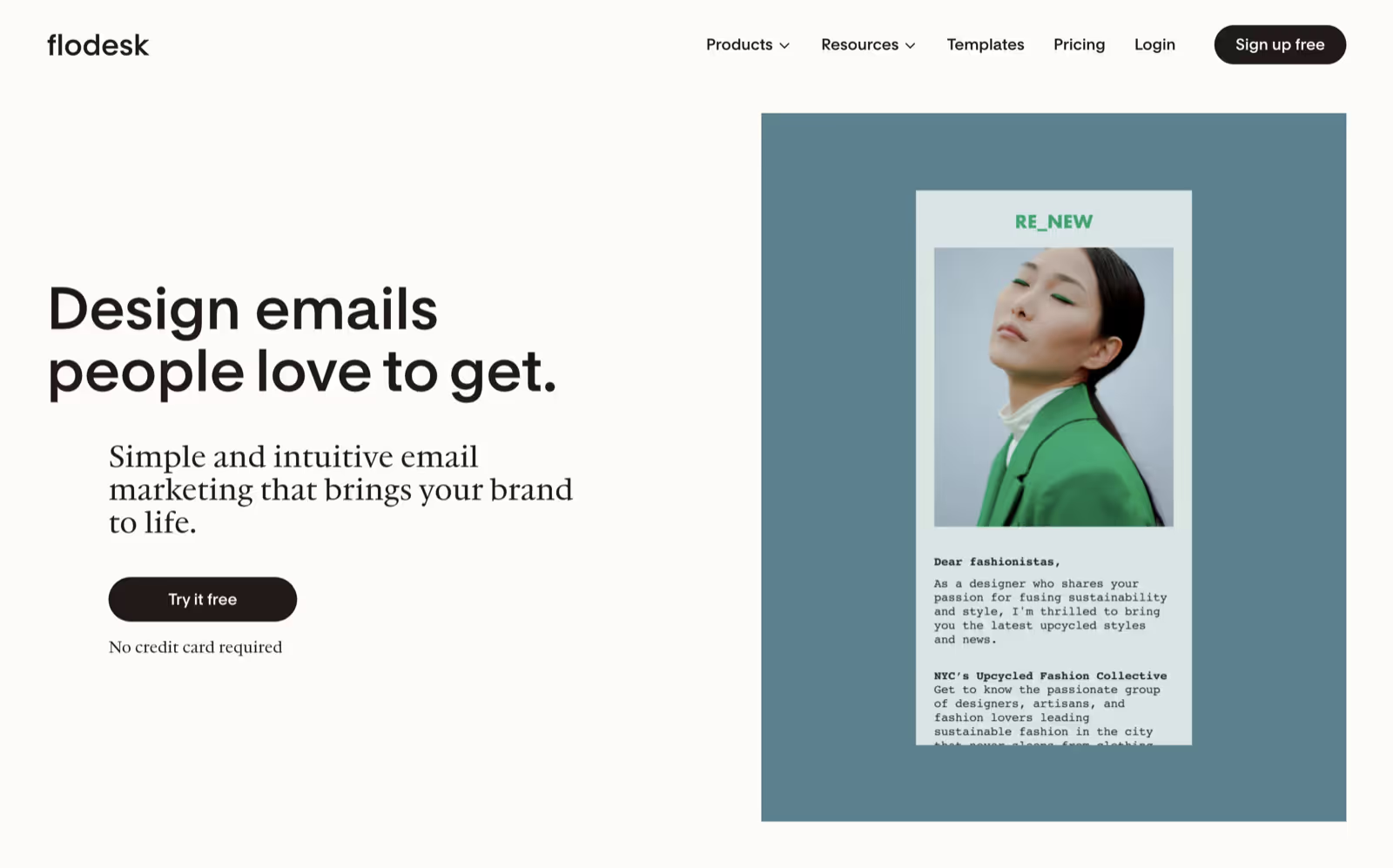
While these payroll templates provide a solid foundation, you still need a way to send them. That's where Flodesk provides intuitive email marketing tools designed for small businesses, helping you grow and monetize your email list. You can create, send, and automate emails that engage your audience and drive revenue—no coding or design skills required.
Our platform gives you access to a straightforward email builder, powerful automations, and well-designed forms, providing everything you need for your email marketing without the complexity. Trusted by over 100,000 businesses, Flodesk helps both beginners and experts send beautiful, high-converting emails in a radically simple way.
With an easy to use email builder, flexible automations, and customizable forms, Flodesk brings everything together in one simple platform so you can focus on reflecting on the year and planning what comes next.
Clear payroll communication builds trust, and these templates give you a reliable starting point for every scenario.
When you're ready to send them, Flodesk provides the tools to create and automate your business emails with clarity and style. Sign up to get started.